AI NSFW Image Editor — Uncensored AI Photo Editing in Your Browser
Upload a photo, type what you want changed, and get the result back in seconds — an AI image editor no restrictions hold back. Remove objects, swap backgrounds, refine details, clean up flaws, then send any result straight into video.
Inside the AI NSFW Image Editor
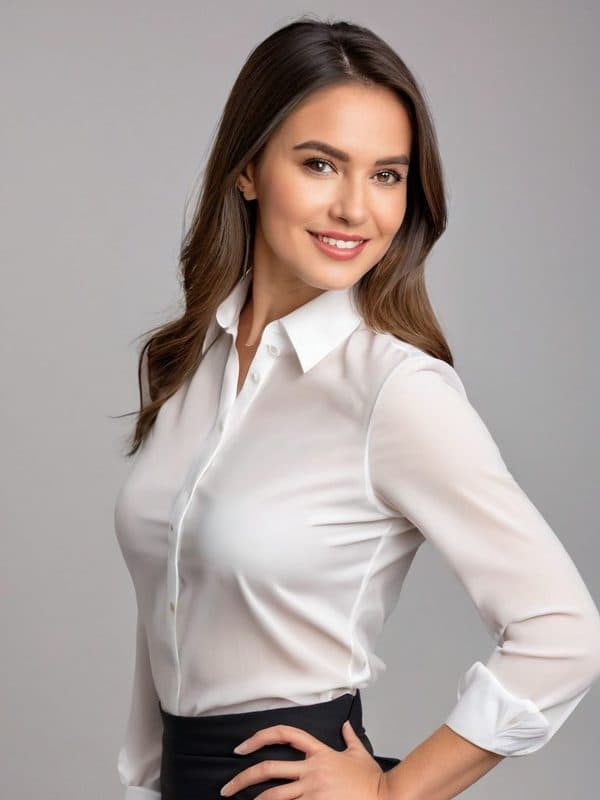
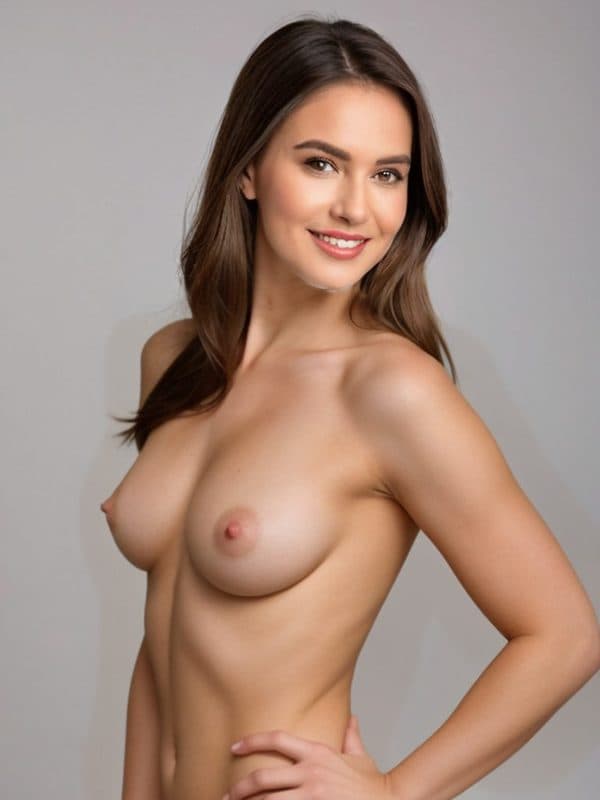
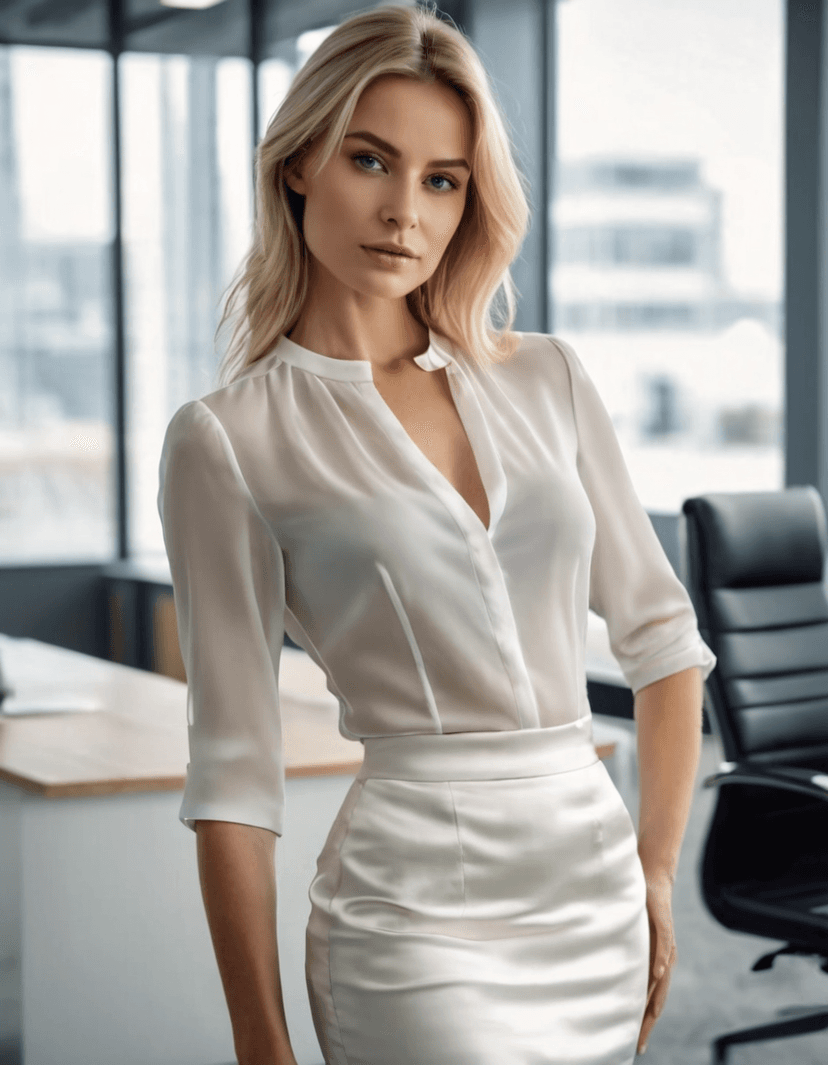
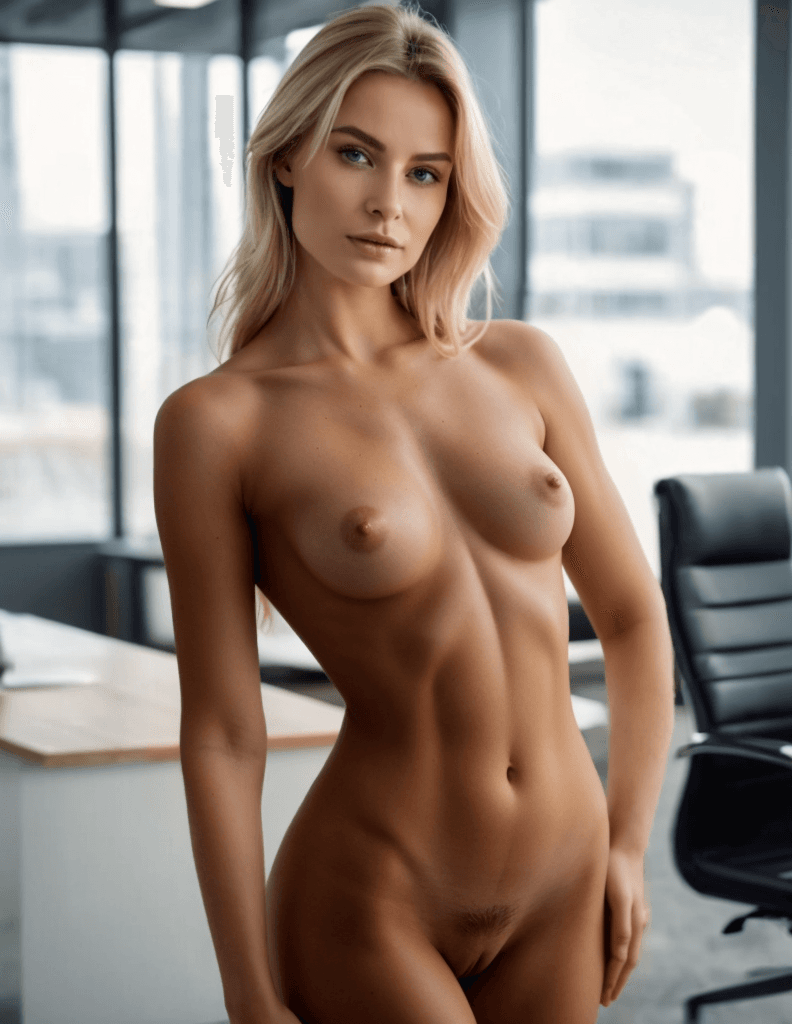
Razdevai is a prompt-driven, image-to-image AI editor for adult and mature imagery: upload one photo, type an instruction, and the model rewrites the image to match. It works image to image — your own photo goes in and an edited photo comes out — so it keeps the identity, pose, and composition you started with instead of inventing a scene from a blank prompt. It is an unrestricted, unfiltered ai image editor in the sense that matters — it follows your instruction instead of refusing it, with no filter on adult subject matter and no restrictions on what you can describe. Everything runs in the browser — nothing to install, no desktop suite. The workflow covers the everyday jobs (object removal, background changes, inpainting-style detail fixes) as well as full transformations that rebuild pose, outfit, or scene in one pass. It doubles as an ai porn image editor and ai porn photo editor, but the scope is broader — an AI image editor NSFW creators lean on across the whole life of a picture, not a single-purpose generator. A finished edit does not have to stay a still. One click sends the result into the image-to-video flow, so the photo you just cleaned up becomes the opening frame of a clip. New accounts include free trial credits, which makes this a free AI image editor with no restrictions on which features you can try before spending anything.
How the NSFW AI Photo Editor Works
1
Upload Your Photo
Drop in any JPG, PNG, or WebP up to 10MB. Uploads are encrypted in transit and auto-deleted after 3 days — nothing lingers on a server.
2
Type Your Edit Instruction
Describe the change in plain language — remove an object, change the background, adjust an outfit, add detail. Prefer not to start from a blank box? Tap a quick-start template and tweak it. This is an NSFW AI photo editor with prompt control at its core.
3
Get Your Edited Image
Hit generate and the edited image comes back in seconds. Happy with it? Push it straight into the image-to-video flow, or re-run with a sharper instruction until it lands exactly right.
Why Razdevai Is the Best NSFW AI Image Editor
One Prompt, Any Edit
Fixed single-purpose tools do one thing. Here the text box is the tool: object removal, background changes, outfit adjustments, added details, full scene rebuilds — whatever you type is what gets edited. It's the AI photo editor NSFW veterans keep open in a browser tab.
Quick-Start Templates
Never written an edit instruction before? Tap a template — pose, scene, outfit and more — to fill the prompt instantly, then adjust the wording to taste. Beginners get a usable result on the first try instead of a blank-page stall.
Aspect Ratio Control
Choose original, square 1:1, portrait 3:4 or 9:16, landscape 4:3 or 16:9. The output matches its destination — a feed, a video frame, or a print layout — without awkward cropping after the fact.
From Edited Image to Video
Every finished edit carries a one-click path into AI image-to-video, and fine-grained detail toggles are there when a scene calls for them. The photo that started as a still ends up animated — no re-upload, no starting over.
Frequently Asked Questions
What is an AI NSFW image editor?
It is a tool that edits an existing photo from a text instruction, with a model that accepts adult subject matter. Instead of fixed sliders or filters, an AI NSFW editor takes your photo as the canvas and your sentence as the operation — remove this, change that, add detail here — then returns the rewritten image.
How is this different from a from-scratch image generator?
A generator creates a picture from nothing but text — text to image. This editor works image to image: it starts from your photo and changes only what you ask, which preserves identity, pose, and setting. If what you want is closer to a nude AI image editor — your own source photo, selectively edited — this page is the right tool; for pure text-to-image creation, use a generator instead.
Is Razdevai free to use?
New accounts come with free trial credits, so you can run real edits before paying anything — in effect a free NSFW AI image editor while the trial lasts. If you found this page searching for an ai photo editor online free no restrictions, that trial is the honest version of it: full feature access, in the browser, no install.
What kinds of edits can I request?
Anything you can describe: erase objects, replace backgrounds, adjust outfits, fix small flaws, add jewelry or tattoos, rebuild an entire scene, or clean up flaws. That is the ai image editor with prompt no restrictions workflow — one text field, no fixed menu of permitted edits.
Are there limits on what the editor accepts?
Two, and they are not negotiable: every person depicted must be an adult, 18+ without exception, and editing photos of a real person requires that person's consent. Beyond that, mature and explicit themes are supported rather than filtered — a prompt is never rejected just because the subject matter is adult.
Can I turn an edited image into a video?
Yes. Every completed edit shows a one-click path into AI image-to-video, with the edited image preloaded as the starting frame. It is the same account and the same credits — fix the still here, animate it there, no re-upload in between.
How do I write a good edit prompt?
Name the change precisely and leave everything else unsaid — the model keeps whatever you do not mention. 'Remove the chair in the background' beats 'make it better'. If you are stuck, tap a quick-start template to fill the box, then swap in your own details. Short, concrete, one change per sentence.
Which aspect ratios are supported?
Six options: original (keep the input ratio), 1:1 square, 3:4 and 9:16 portrait, 4:3 and 16:9 landscape. Pick the ratio where the output will live — social feed, video frame, or print — and the edit is composed for it directly instead of being cropped afterward.
What happens to my uploaded photos?
Uploads are encrypted and automatically deleted after 3 days. Given the nature of mature-content editing, that policy is a core feature rather than fine print — your source photo is not left sitting in storage indefinitely.
Does it work on Android and iPhone?
Yes — this is a browser tool, so it behaves the same on mobile and desktop with nothing to install. For anyone hunting an NSFW AI photo editor Android can actually run: open the site in any mobile browser, upload, type, done. iPhone works identically through Safari or Chrome.
Can I remove objects or people from a photo?
Yes. Describe what should go — 'remove the man on the left', 'erase the text in the corner', 'clear the clutter off the desk' — and the scene is rebuilt behind it. Removal, replacement, and background rebuilds all run from the same prompt field, so cleaning a frame takes one instruction, not a masking session.
How does this editor relate to Razdevai's other tools?
It is the general-purpose member of the family. If you arrived searching for an ai undress photo editor free to try, that specific job has its own dedicated one-tap tool on Razdevai; this page is the open-ended editor for everything a prompt can describe. Both share one account, one credit balance, and the same encrypted, auto-delete upload handling — and both feed the same image-to-video pipeline.
What makes this the best NSFW AI image editor in 2026?
Range and workflow. Most adult tools in 2026 still do exactly one trick; this one covers object removal, background changes, generative fill, cleanup, and free-form transformations in a single prompt box, then hands the result to video. Judge it on your own photo — the free trial exists precisely so the claim can be tested.